With bank accounts come numerous chances of mistakes or frauds. It is advisable to use a system that helps you to understand and undermine your account and financial situation. Reconciling your bank statement with your internal accounting records is a crucial step in maintaining accurate financial records. This process, known as bank reconciliation, helps identify discrepancies, prevent errors, and detect potential fraud. In this post, you will see best Bank And Account Reconciliation Statement Templates. Read along to understand how you can edit, download and use Reconciliation Statement Templates. See also Income Statement Template.
Need for Bank Reconciliation Statement
There are several reasons why a Bank Reconciliation Statement is necessary:
- Verification of Accuracy: It helps verify the accuracy of entries recorded in both the cash book and the bank statement.
- Detection of Errors: It assists in identifying errors made by either the business or the bank.
- Prevention of Fraud: Regular reconciliation helps detect unauthorized transactions and fraudulent activities.
- Improved Financial Control: It provides better control over cash management and banking operations.
- Accurate Financial Reporting: It ensures that financial statements reflect the correct bank balance.
Free Bank Reconciliation Statement Samples:
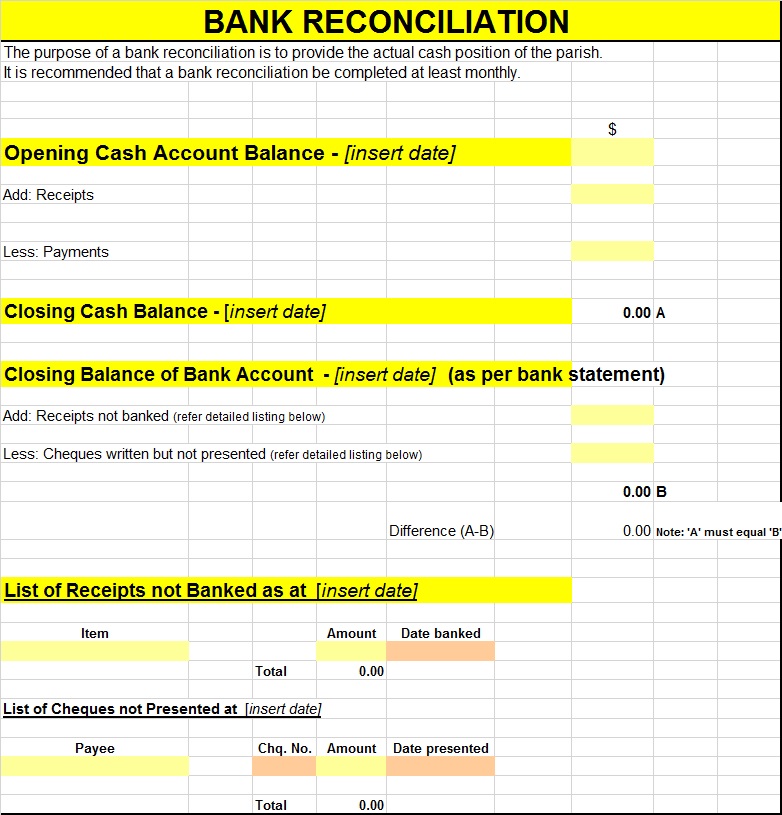

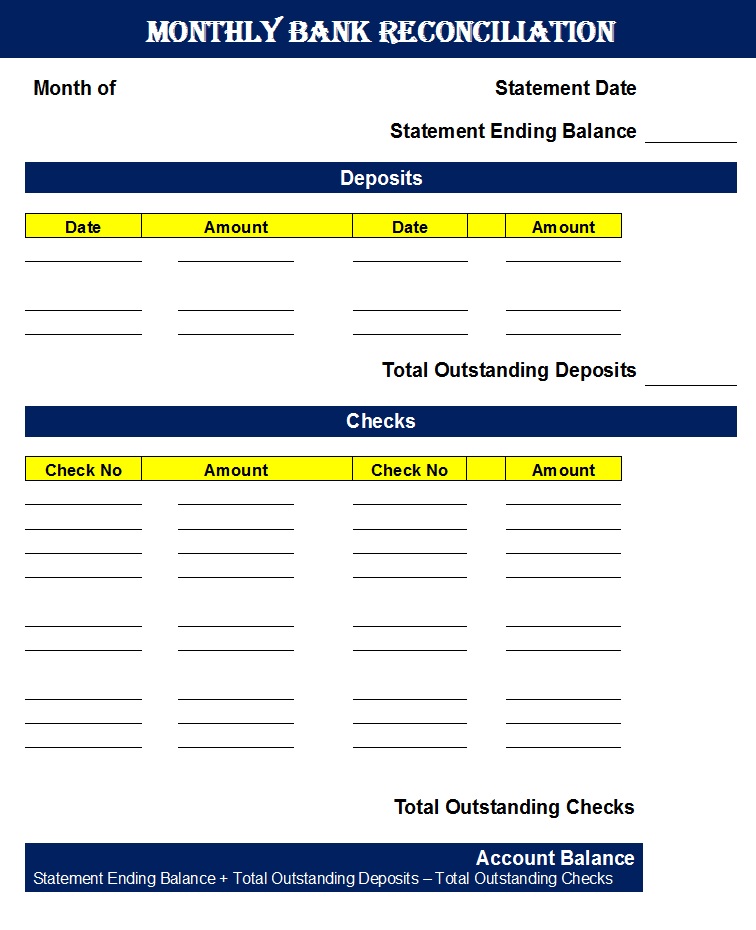
Monthly Bank Reconciliation Report Samples In Excel:
Here are some benefits of writing Bank And Accounts Reconciliation Report Samples. See also Payslip format.
Bank Reconciliation Statement may help your internal accounting records match the bank’s record, reducing your risks of error and mistakes. In case of any fruad this report can help you detecting potential fraud, such as unauthorized transactions or identity theft.
Cash Management: Reconciliation enables you to manage y our cash flow effectively, making informed decisions about investments, loans and other financial activities. It may be a regulatory requirement for many businesses, ensuring compliance with financial laws and regulations.
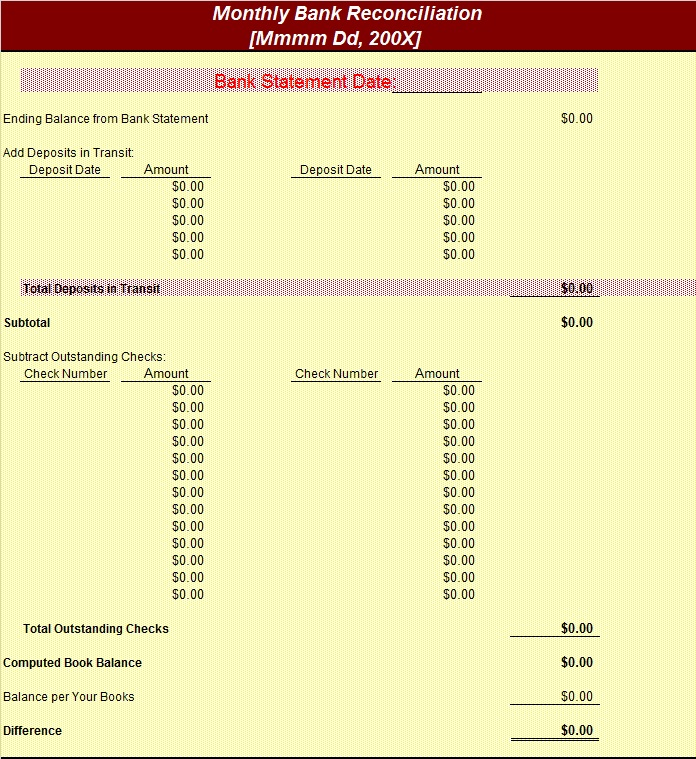
Bank Reconciliation Statement Examples:
How To Edit And Download?
Choose the statement template that you like. Download it by clicking the free download button below each template. Open it in your system. Make sure to have MS Office installed in your system to further work with our templates. Open it in your system and start editing.
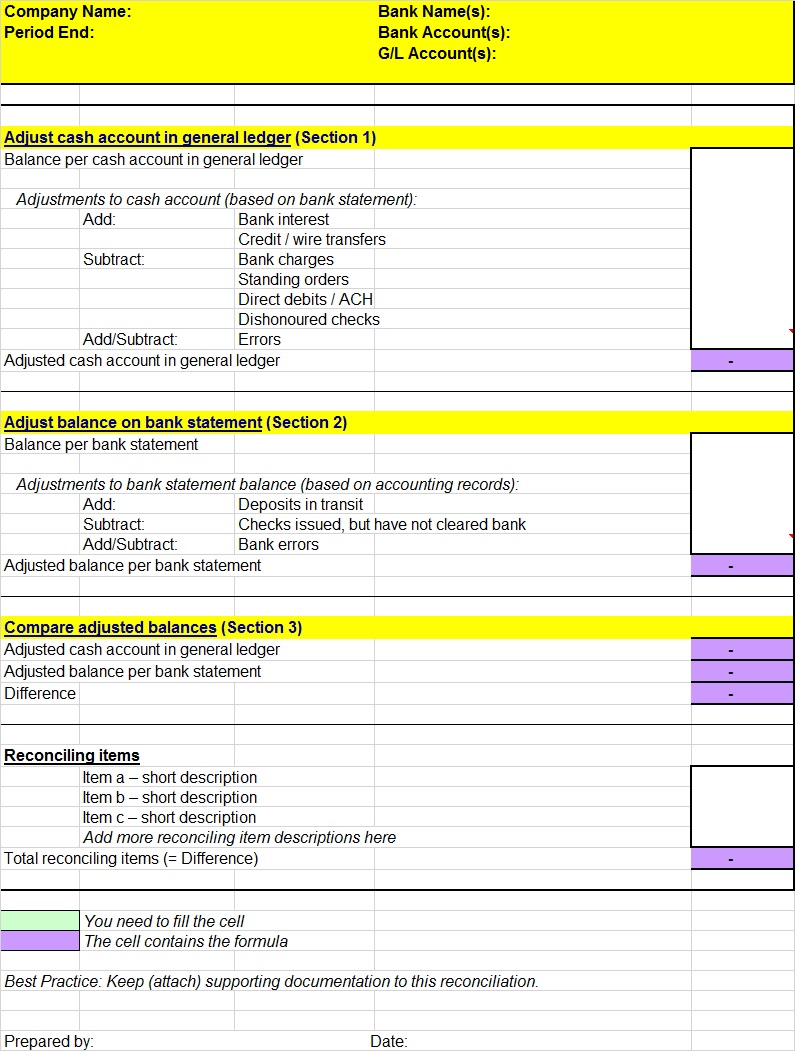
Causes of Differences Between Cash Book and Bank Statement
Differences between the cash book and bank statement may arise due to several reasons:
1. Cheques Issued but Not Presented
When a business issues a cheque to a supplier or creditor, it records the payment immediately in the cash book. However, the bank will not record the transaction until the cheque is presented for payment. This creates a temporary difference.
2. Cheques Deposited but Not Yet Cleared
A business may deposit cheques received from customers and record them in the cash book. However, the bank may take several days to clear these cheques, causing a difference between the two balances.
3. Bank Charges
Banks often deduct service charges, account maintenance fees, or transaction charges directly from the account. If the business is unaware of these deductions, they will not be recorded in the cash book until the bank statement is received.
4. Interest Credited by the Bank
Banks may credit interest on savings or deposits directly into the account. Such entries appear first in the bank statement and are recorded later in the cash book.
5. Direct Deposits by Customers
Customers may directly deposit money into the company’s bank account. The business may not know about the deposit until it reviews the bank statement.
6. Standing Orders and Automatic Payments
Regular payments such as utility bills, insurance premiums, or loan installments may be automatically deducted by the bank. These deductions may not be recorded in the cash book immediately.
7. Errors in Recording Transactions
Errors can occur in either the cash book or the bank statement. Examples include recording incorrect amounts, duplicate entries, or omitted transactions.
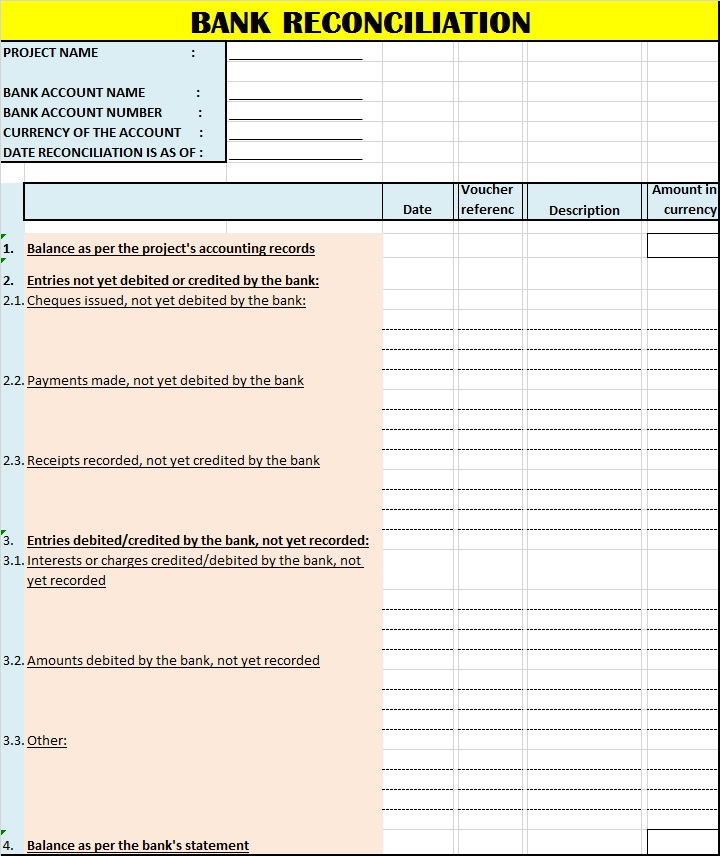
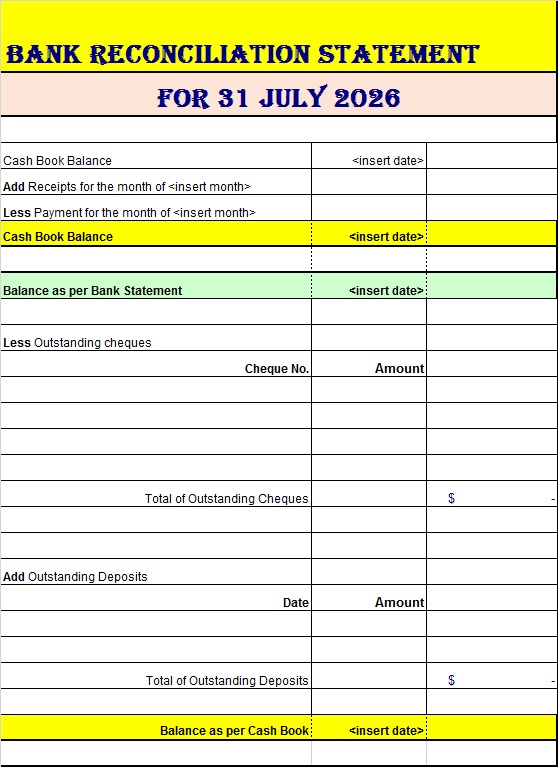
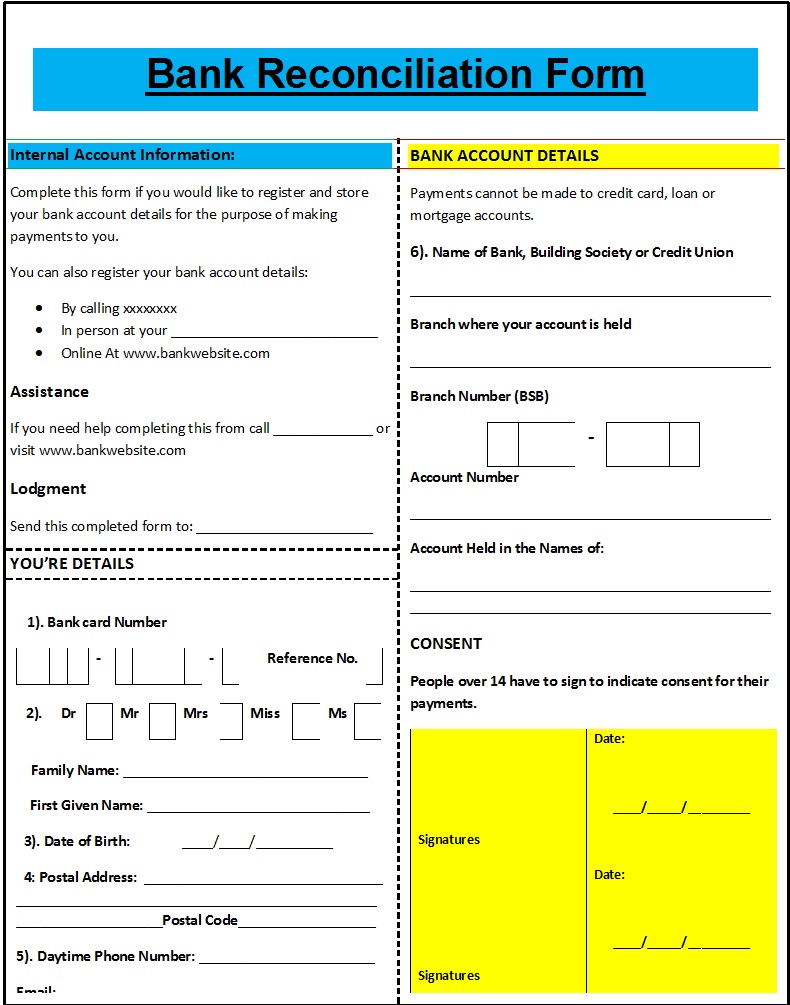
Bank Reconciliation Form Templates: