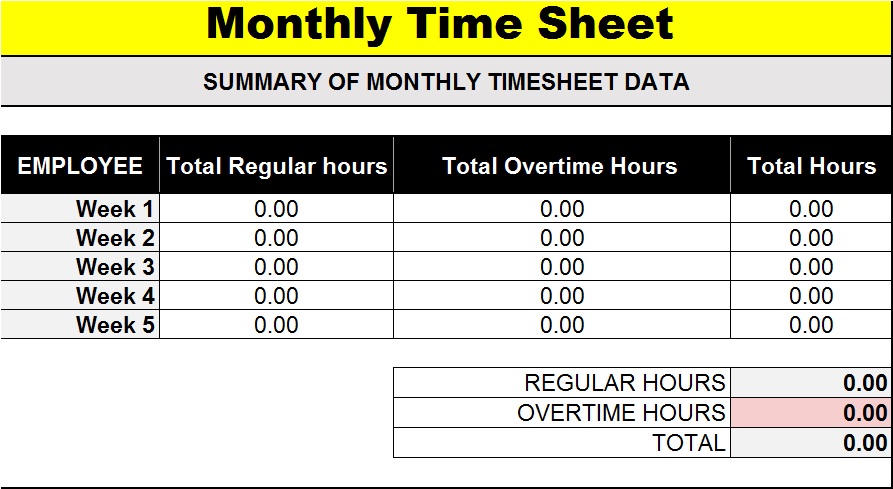
What is Time sheet?
In most offices throughout the world, the time for an employee is that of the standard one (9 to 5 often). But many a times companies offer second shift or extra hours. It could become very cumbersome if you do not how many employees worked extra hours or how many did second shit etc. In order to keep a track of how many hours or time the employee has spent working you will need a Time sheet. A time sheet is a document that collects data about the duration of time the employee has spent in a given period of time. The time limit depends upon your requirements, it can be hourly, weekly, monthly, or even yearly. The following post contains free template designs for Time sheet Templates in Word and Excel.
Element of Time sheet:
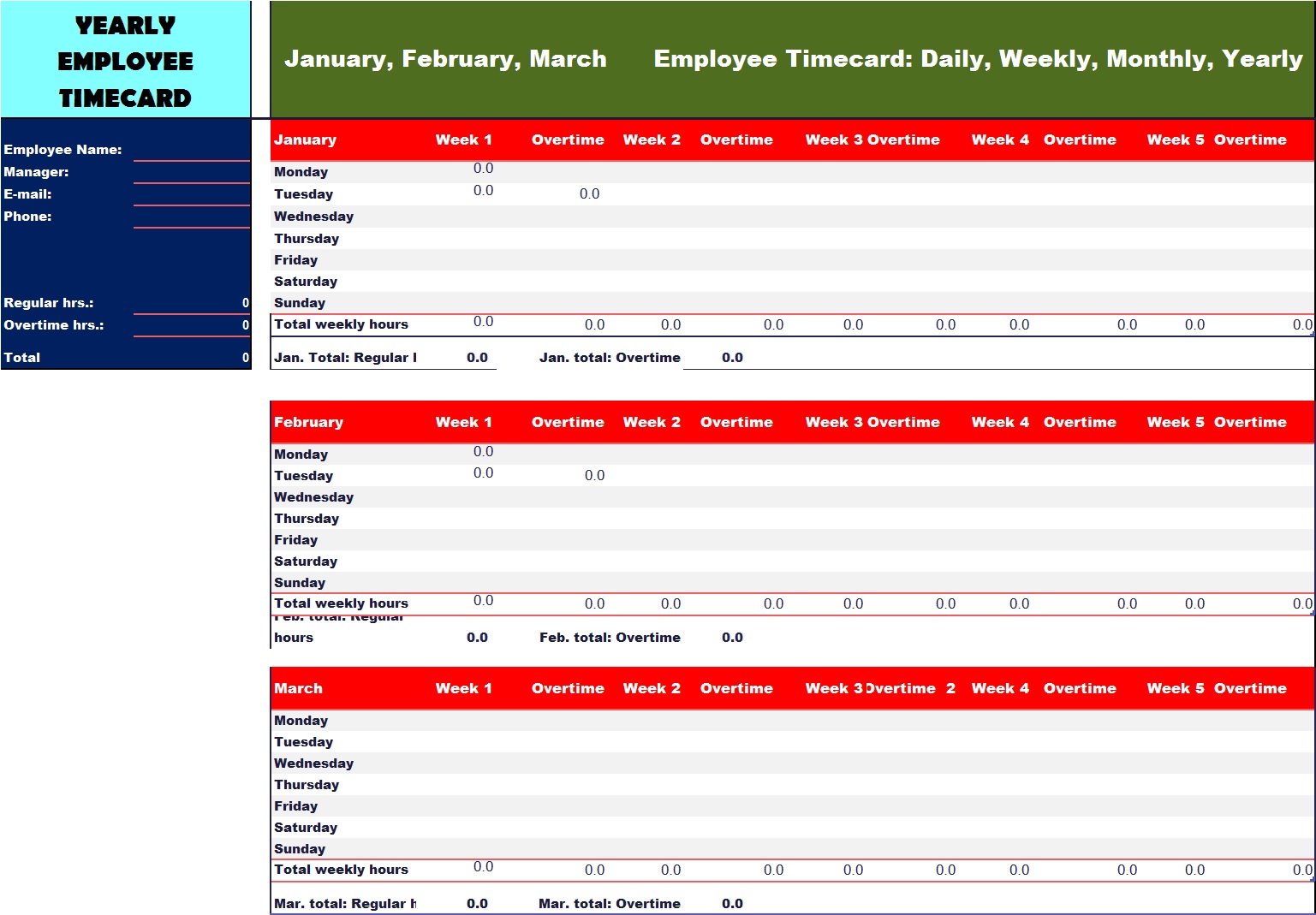
Many companies are using gated software for making and maintaining Time sheets. The element of a typical time sheet can be Employee code, Name, Department, Contact Info, Time In and Out, Overtime etc. Similarly, each employee or staff member needs to have a separate identity code. Because the code is very important to the name of the employee. It is this unique identity that is fed to the gated software. See also Commission Sheet Template.
Why Use a Timesheet Template?
A timesheet template simplifies time tracking and helps organizations maintain accurate records. Some of the key benefits include:
- Improved employee accountability
- Accurate payroll calculations
- Better project management
- Easier overtime tracking
- Enhanced productivity monitoring
- Compliance with labor regulations
- Simplified reporting and record-keeping
By using a professional timesheet template, businesses can reduce errors and improve operational efficiency. See also Rate sheet Template.
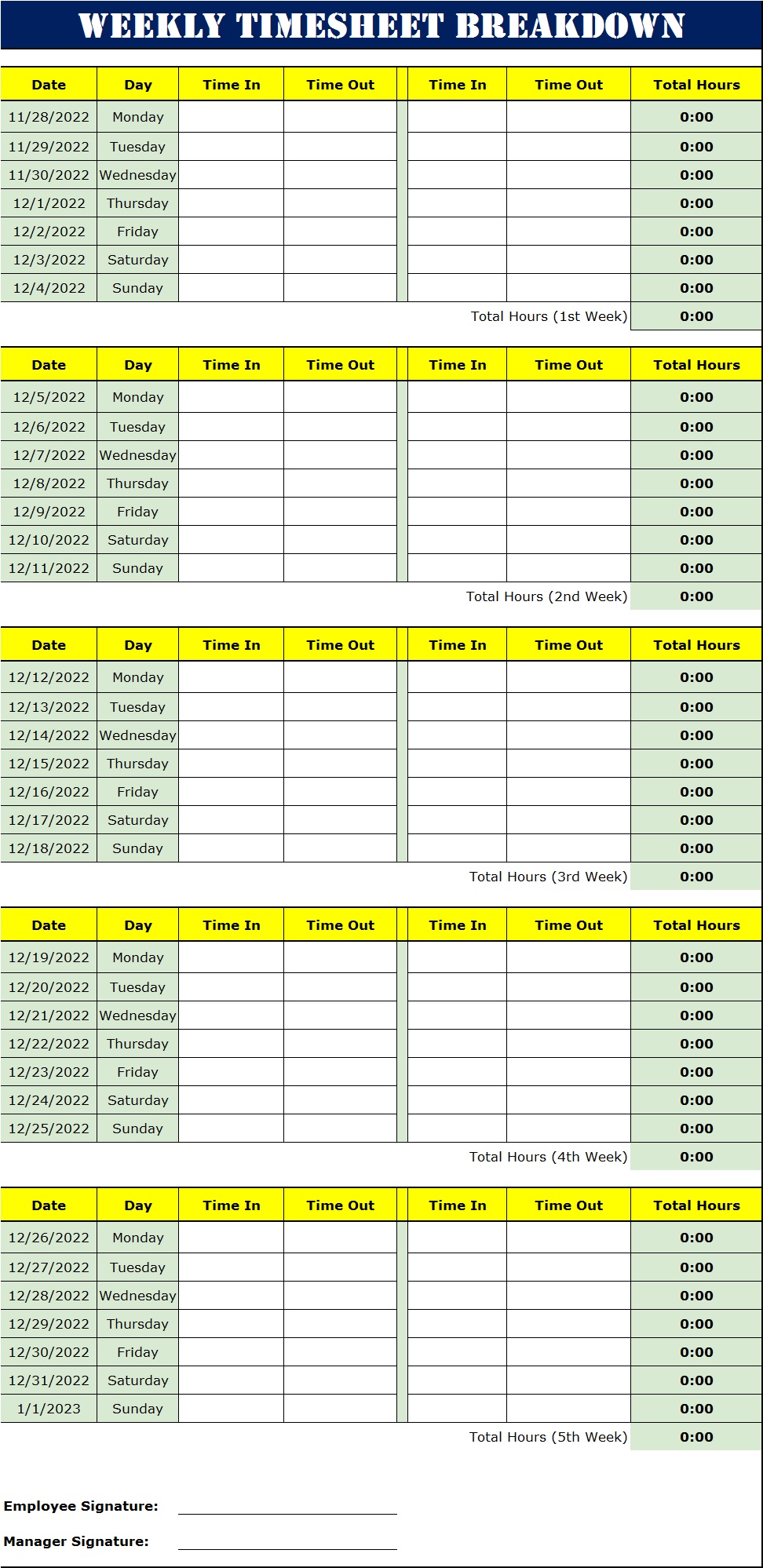
After the code, the next column enters the name of the staff or employee and 3rd column fed the department name because an organisation has many departments, for easy recognition after the code and name enter the department name, mobile number, Email Id, then fed time in duty and out duty which is regular hours of work and last column late in or overtime of employee.

How to Prepare Time sheet:
Although there are many software and machines available that can take thumb impressions, or even face impressions, to keep the record of an employee. But purchasing these machines and software not only costs a lot of purchase finance but also you would need a staff to operate and maintain these machines. Given the circumstances of any new establishing company or an old one, spending all that money can really cost your business.
The Time sheet Samples Are Free!
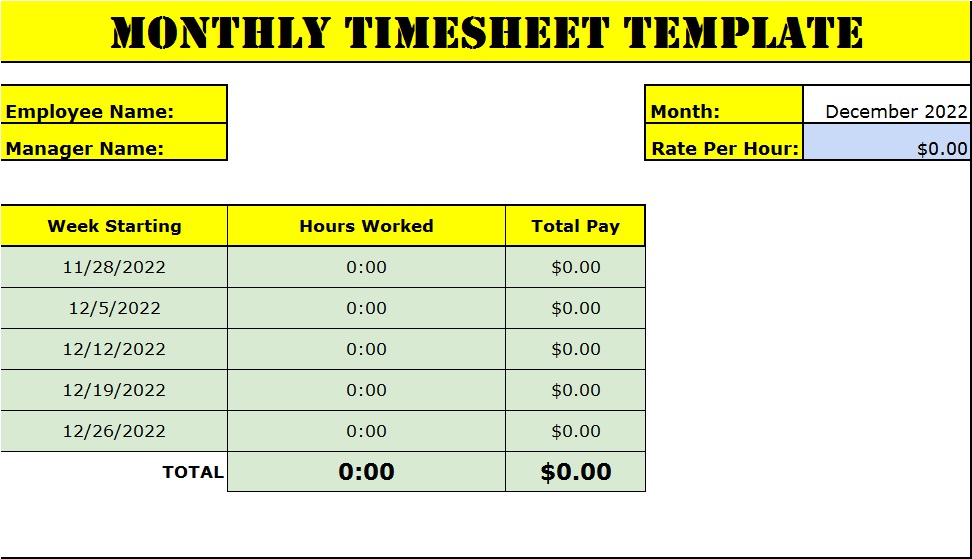
We recommend to all the new ventures to download free Time sheet Templates from the links given below. And save yourself a considerable amount of money. You will, definitely, have ways of better spending that money. All the templates are designed in MS Office and do not require any technical skill to edit or format!
Common Mistakes to Avoid
Many organizations experience issues due to poor time-tracking practices.
Avoid these common mistakes:
- Incomplete timesheet entries
- Delayed submissions
- Incorrect overtime calculations
- Using outdated templates
- Failing to review employee records
- Lack of manager approval processes
Addressing these issues can significantly improve the accuracy and effectiveness of your timesheet system
How to Choose the Best Timesheet Template
Selecting the right timesheet template depends on your business needs and workforce structure.
Consider the following factors:
Business Size
Small businesses may prefer simple weekly templates, while larger organizations often require monthly or employee-specific timesheets.
Payroll Frequency
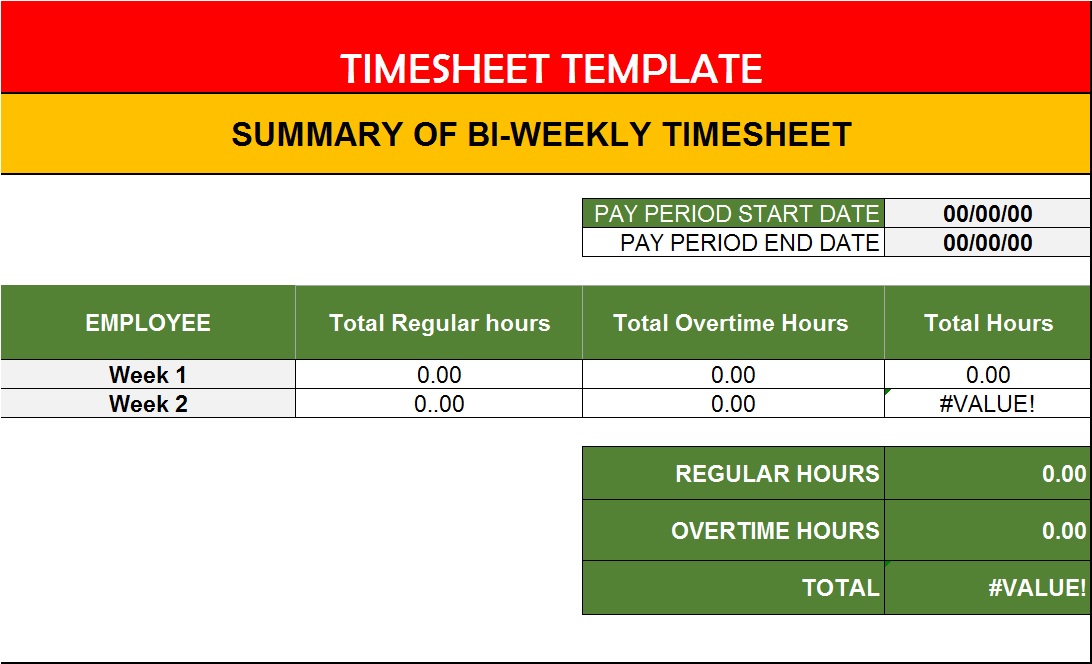
Choose a template that aligns with your payroll schedule, whether weekly, bi-weekly, or monthly.
Project Requirements
Project-based businesses should use templates that support task and project tracking.
Reporting Needs
Consider whether you need detailed reports for productivity analysis, client billing, or workforce planning.
Ease of Use
A user-friendly template encourages employees to submit accurate time records consistently.
Advantages of Digital Timesheet Templates
Modern businesses increasingly use digital timesheet templates instead of paper-based systems.
Improved Accuracy
Automated calculations reduce human error and improve payroll accuracy.
Time Savings
Employees can enter hours quickly, and managers can review submissions efficiently.
Real-Time Monitoring
Digital solutions provide instant access to employee work-hour data.
Better Data Security
Cloud-based systems protect records from loss or damage.
Easy Integration
Many digital timesheet templates integrate with payroll, accounting, and project management software.