What Is A Stock Certificate?
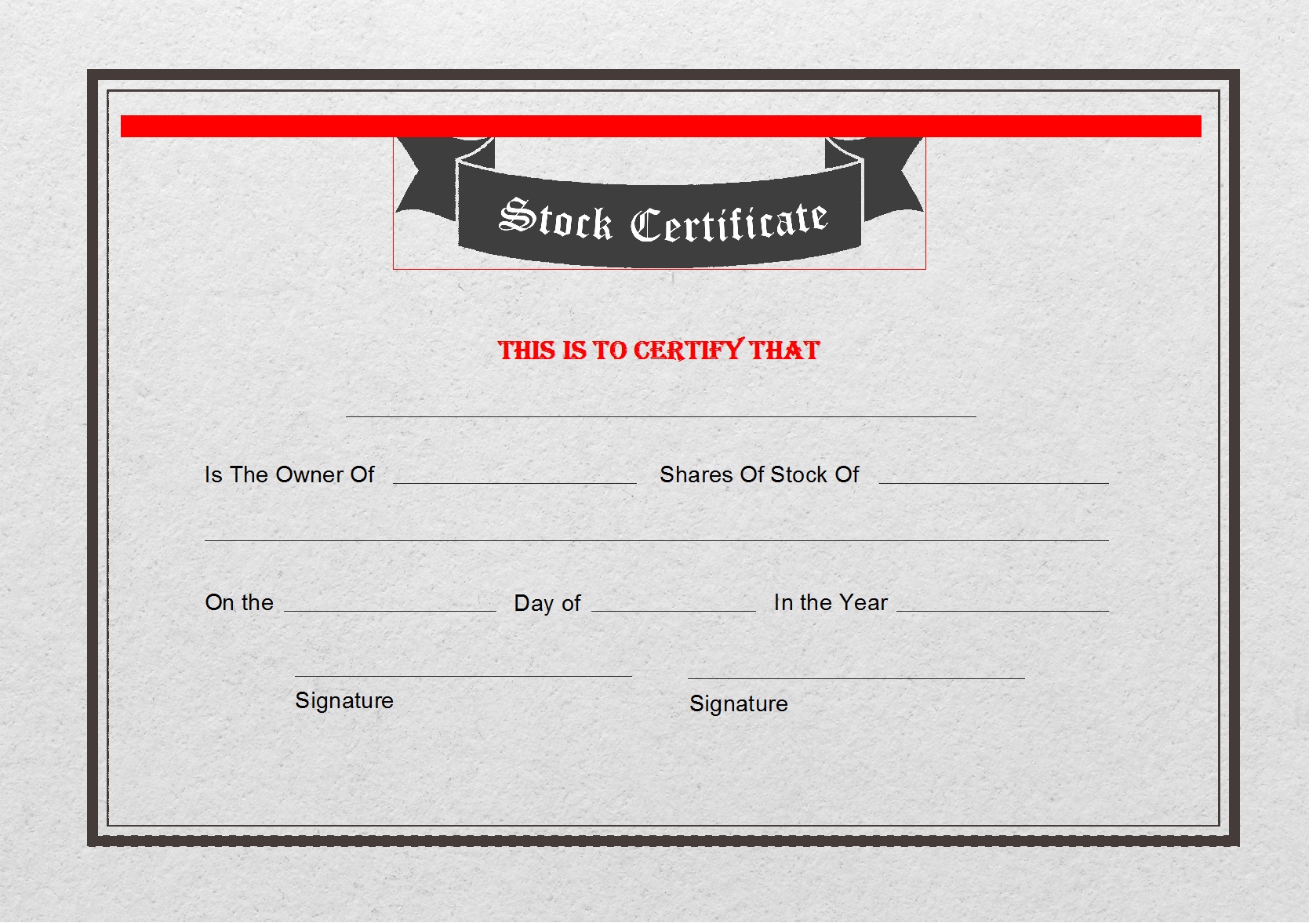
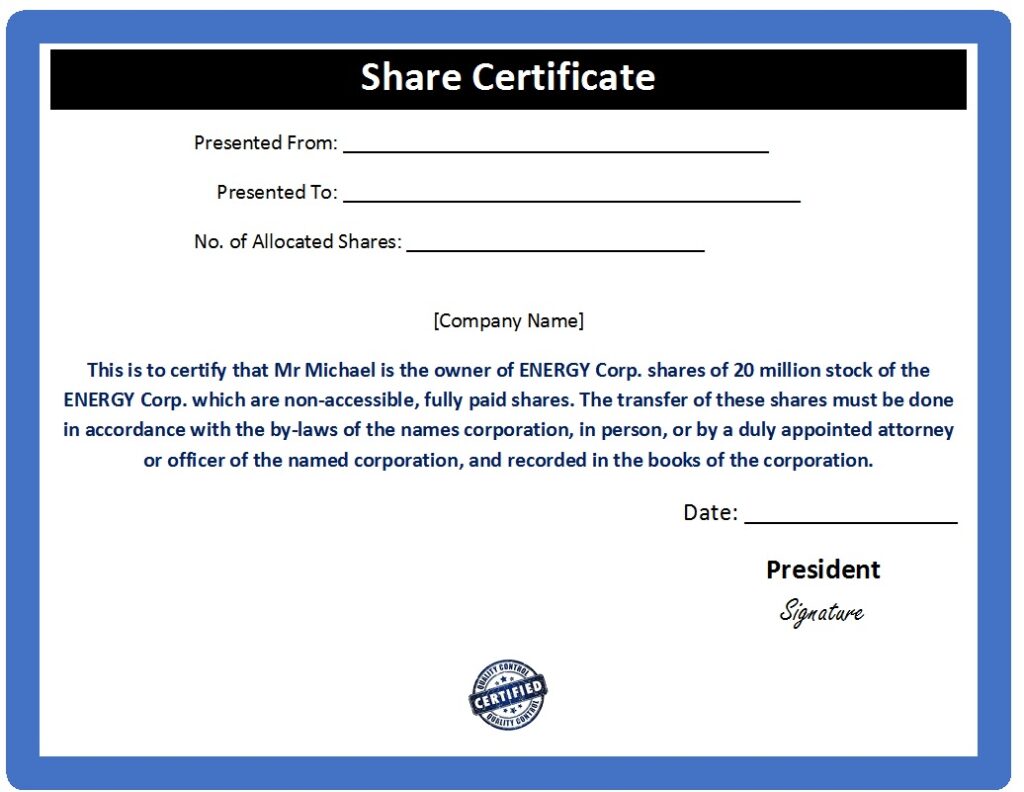
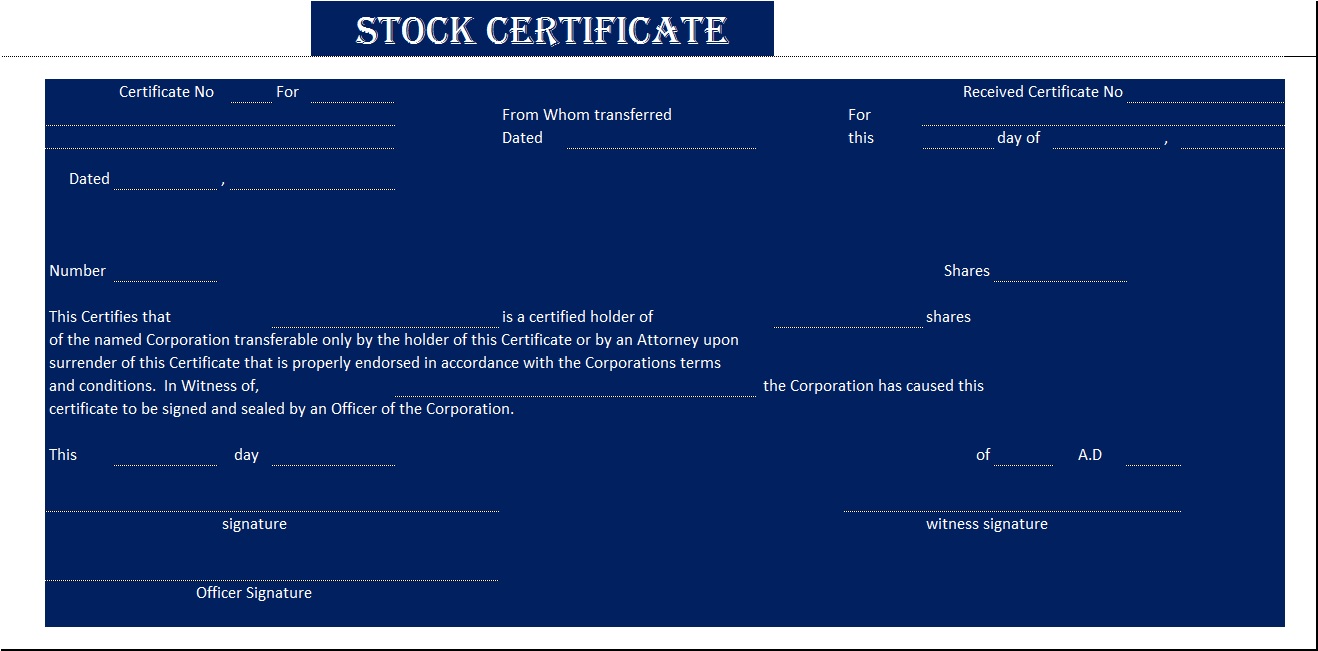
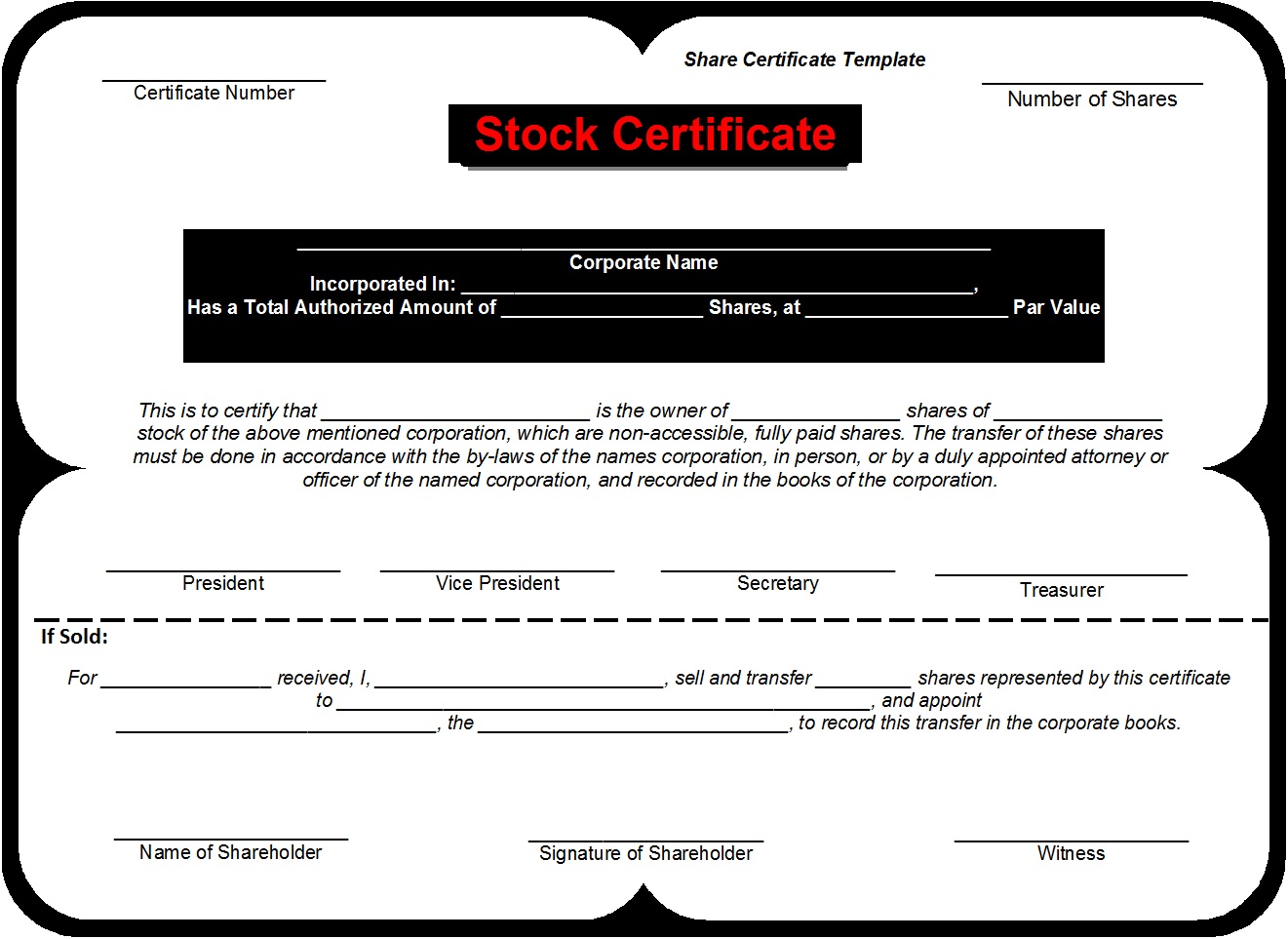
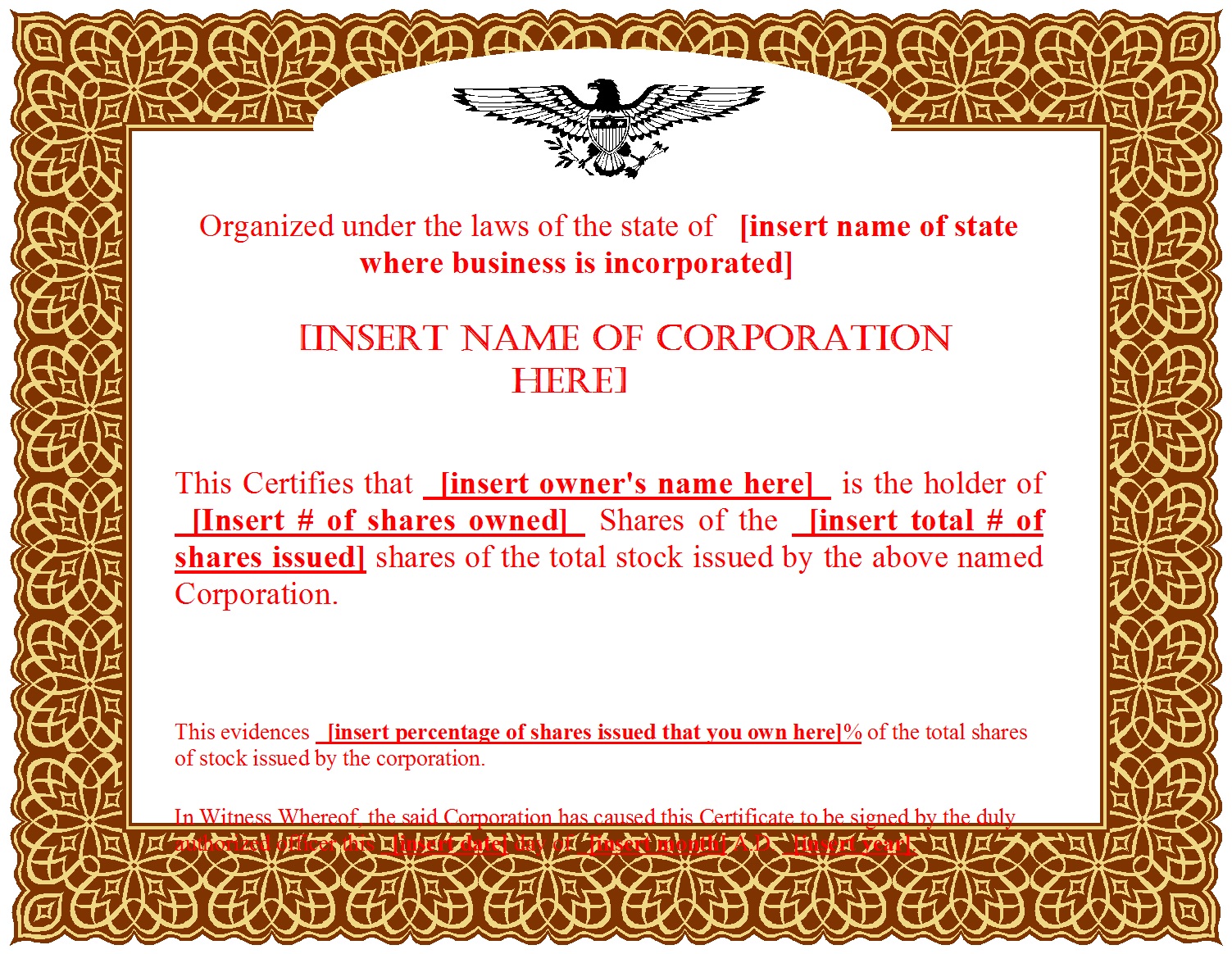
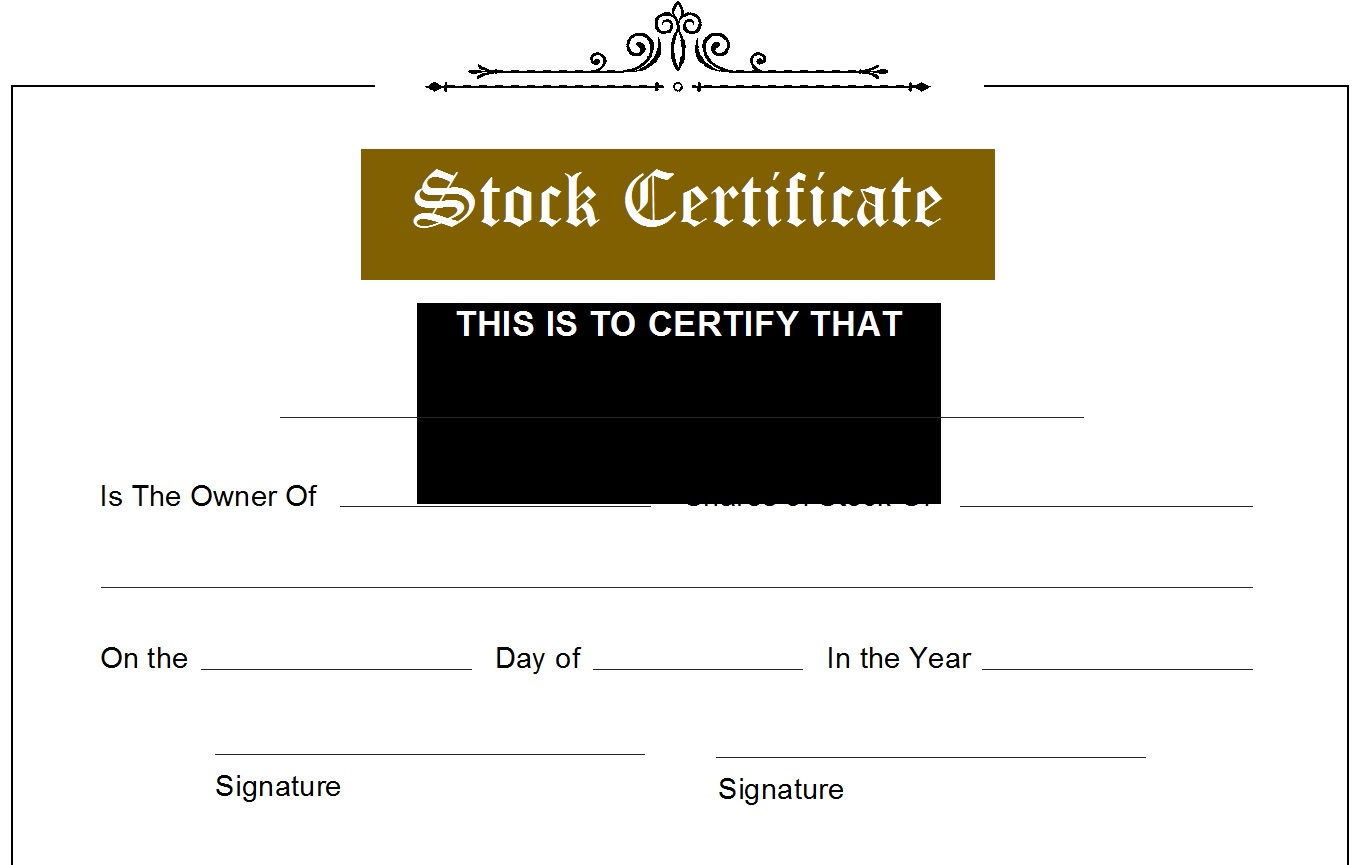
A Stock Certificate is a legal document that shows the ownership of a stockholder. In short, Stock certificates show ownership of a share or stock. This is a very important document. The stock certificate is proof and a legal document with respect to the owner of the stock. The following post contains free template designs for Sock Certificates. It usually comprises of the details about the buyer, the seller companies etc. It also mentions the number of shares bought and per share value or price mentioned on this certificate. Below you can see the Stock Certificate Samples. By using free stock certificate templates from Excel Word Template, you can create polished and professional share certificates without starting from scratch. The templates are easy to download, simple to edit, and suitable for both Word and Excel users. Before issuing any official certificate, ensure that all information is accurate and compliant with applicable laws. When used correctly, these templates can help streamline your corporate documentation and maintain organized shareholder records. See also Shareholder Certificate Design Templates.
A stock certificate is an official legal document issued by a corporation to certify ownership of a specific number of shares in the company. It serves as tangible proof that the named individual or entity owns part of the organization. Traditionally, stock certificates were printed on high-quality paper with seals, signatures, and unique serial numbers. While many modern companies now use electronic records, physical certificates are still used by private companies,small corporations,startups issuing founder shares,family-owned businesses,investment partnerships.
How To Write A Stock Certificate?
The matter where finance is concerned usually is very sensitive and delicate. And Stock Market always contains an air of uncertainty. In this case, making certificates and assuring the owner that his money is spent in the right place is very important. And as important as it is, it’s a very responsible and risky matter as well. So rather than spending hours on the internet and designing your certificate we recommend you use a ready-made one. it is convenient and facilitates you to concentrate on more important stuff like your data and main points. See also, stock report template.
How To Edit and Download Free Stock Certificate Sample?
You will find a download link below every template preview. Download the certificate Sample. Open it in your system. Make sure to have MS Office installed in it. And start editing. Make necessary changes and you are done! Your own Free Stock or Shareholder Certificate is ready!
Here are the previews…

Why Use a Stock Certificate Template?
Using a ready-made template offers several advantages:
1. Saves Time
You don’t need to design the layout, formatting, borders, or legal structure manually.
2. Professional Appearance
Templates often feature elegant designs, seals, borders, and structured formatting that reflect professionalism.
3. Easy Customization
You simply edit the required fields such as:
-
Company name
-
Shareholder name
-
Number of shares
-
Certificate number
-
Issue date
4. Cost-Effective
Who Can Benefit from These Templates?
These free stock certificate templates are ideal for:
-
Startup founders issuing founder shares
-
Small business owners formalizing ownership
-
Private corporations distributing shares
-
Investment groups documenting equity stakes
-
Educational projects or simulations
They are especially helpful for businesses that want a professional look without investing in custom graphic design.
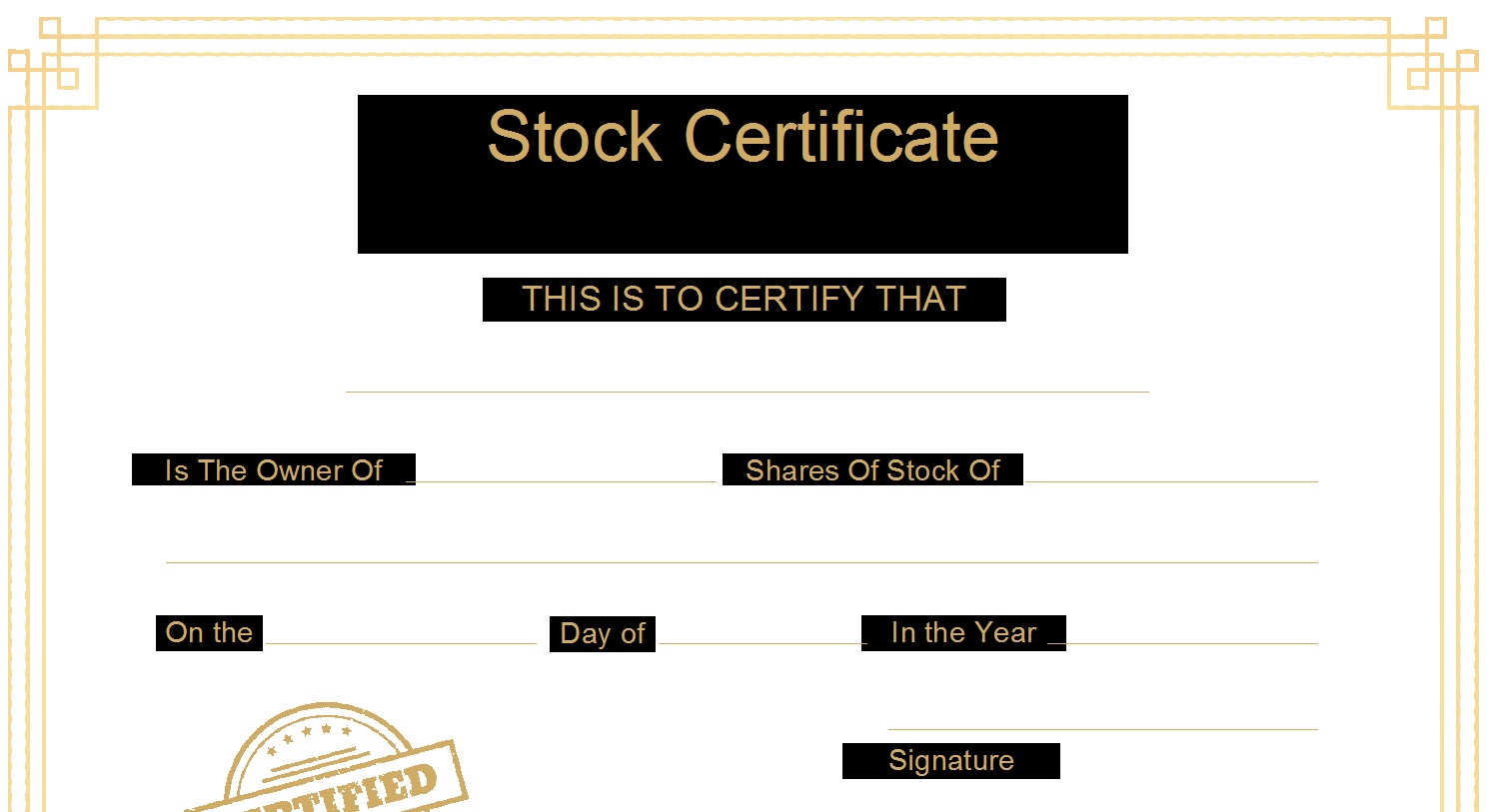
Frequently Asked Questions (FAQ) – Free Stock Certificate Templates
Do I need Microsoft Office to use the templates?
Microsoft Word or Excel is recommended, but not required. You can also open and edit the templates using:
-
Google Docs
-
Google Sheets
-
LibreOffice
-
Other compatible office software
Can I customize the design of the template?
Yes. The templates are fully editable. You can:
-
Add your company logo
-
Change fonts and colors
-
Modify layout elements
-
Insert digital or printed signatures
Just ensure the final version remains professional and legally compliant.