What Is a Production Report?
Production Report is written according to the requirement of business or you can say the nature of business. It must be easy, comprehensive, and quickly understandable to everyone. It must magnify the exact facts and figures. The report begins by showing the company/business/organization name followed by the company address, date, report heading, and contact information (E-mail, Phone No., Fax, etc). Next comes the making of the columns, make one column of Date/Month (and another complete description of purchases during the specified time).A typical report records information such as the quantity produced, production targets, rejected items, materials consumed, labor hours, machine downtime, and completed orders. Depending on the type of business, additional information may also be included.
The second column is Quantity/Number and the last column is Amount/Price. At the end comes the credits and verification. The report format also depends and varies according to the demand for example if you are making a Purchase Budgeted Report you are supposed to show the difference/variance between actual purchase status/activity and Planned/Budgeted Purchase Status Activity.
How To Write A Production Report Template?
Hence making reports offer a kind of secure way for the business owners/planners/directors to easily assess the purchase cost and comprehend various policies and strategies to take confident step to reduce the cost prices. They remain aware of all the import and export of the material of the company and check the detail of all purchases that are incurred by their purchase department. With the help of these reports, a Purchase Manager facilitates the investment reports for further procedures.
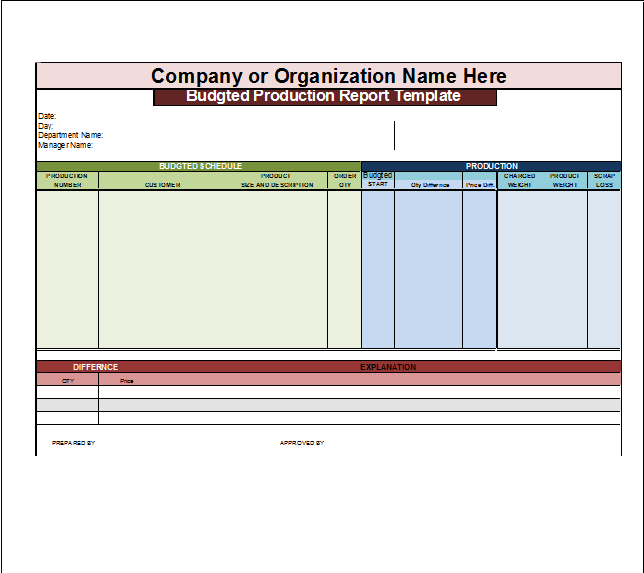
Here are the previews of Free Production Report Samples:

How To Customize And Download Free Production Report Sample?
ou can find free template samples for Production Report below. All the template designs are created in MS Excel. Make sure to have MS Office installed in your system before editing. Open the file in your system and start editing. Although the reports are completely blank we do recommend you to take any filler information as a guideline about what you can write in that particular area. You can download any of the Report Templates by clicking the free download button beneath it!
Benefits of Maintaining Accurate Production Reports
Accurate production reporting can improve operational control in several ways. It helps managers measure performance, monitor production targets, identify bottlenecks, control material usage, and investigate quality problems. See also Daily Work Report Template.
Reports can also provide valuable historical data. When management has several months or years of production records, it becomes easier to identify patterns and compare performance between periods.
For example, if production consistently decreases during a particular shift, management can investigate whether staffing, equipment, training, or scheduling is contributing to the problem.
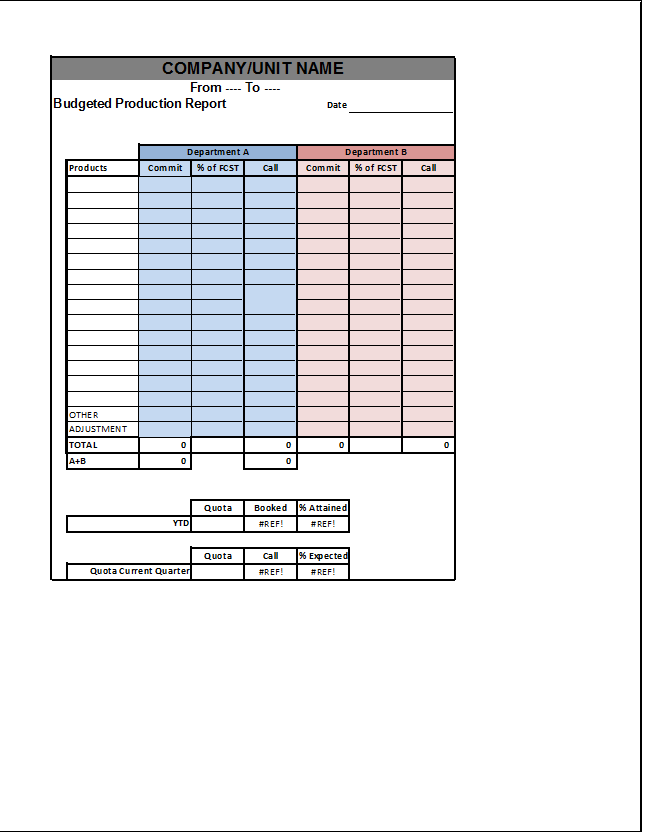
Key Sections of a Production Report Template:
A professional production report template should contain the information necessary to understand what happened during the reporting period. Although the exact format varies by industry, most reports include several common sections.
1. General Information
2. Production Target and Actual Output.
3. Materials Used.
4. Labor and Workforce Information.
5. Machine and Equipment Details.
6. Downtime and Production Delays.
7. Quality Control.
8. Problems and Corrective Actions.
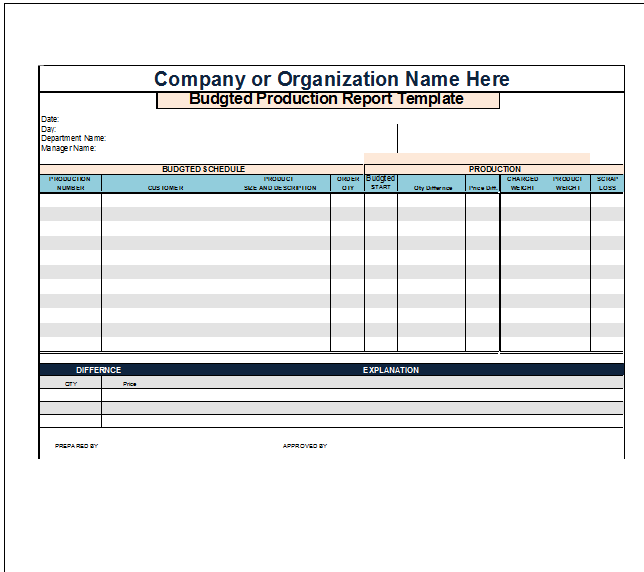
Frequently Asked Questions:
What is the purpose of a production report?
The purpose of a production report is to provide an accurate record of production performance during a specific period. It helps managers monitor productivity, identify problems, track resources, and make informed operational decisions.
What information should a production report include?
A production report commonly includes the report date, production shift, department, production target, actual output, materials consumed, labor information, machine downtime, rejected products, quality issues, and supervisor comments.
Can I use a Production Report Template in Excel?
Yes. Excel is particularly useful for production reports because it allows users to enter data into tables and automatically calculate totals, production variances, percentages, and other performance indicators.