What Is A Commission Sheet Template?
In a business, not all employees are often hired on salaries. Some employees may want commission over the sales or services they have provided. So to manage their commissions and percentage of earnings, we use Commission Sheets. The following post contains free template designs for Commission Sheet Templates in Word. No matter how complicated or intricate your commission list is, a Commission Sheet Template can help you not only sort out all the employees but you can keep a record of their history as well. See also Fact sheet template.
How To Write A Commission?
Writing a Commission Sheet Template is difficult and tricky.It apprehends certain points for its reader’s assistance. For example, the dates for which the employee is bound to work, all the project specifications open communication, etc. The following Commission Sheet Template can help in understanding and organizing all the important points in a Sheet.
Importance of Using a Commission Sheet Template
Commission tracking is often complex, especially when businesses have multiple products, varying commission rates, or large sales teams. A commission sheet template offers several advantages:
Improved Accuracy
Manual commission calculations can lead to mistakes that may result in employee dissatisfaction or financial discrepancies. A commission sheet template uses formulas and organized data entry methods to reduce calculation errors.
Enhanced Transparency
Employees can clearly see how their commissions are calculated. This transparency helps build trust between management and sales personnel while reducing disputes regarding compensation.
Better Performance Tracking
Managers can monitor sales performance and identify top-performing employees. The template provides valuable insights into sales trends, productivity levels, and commission expenses.
Time Savings
Automated calculations eliminate the need for repetitive manual work. Businesses can process commissions faster and allocate more time to strategic activities.
Financial Control
Organizations can track commission expenses accurately and ensure payouts align with budget expectations and company policies.
How To Download And Edit Free Commission Sheet Templates?
At My Office Templates, we strive hard to provide you with quick , easy enough and editable Commission Sheet Templates. You can download any of the templates from the previews given below. Make sure to have MS Office installed in your system. Open it and start editing. See also project sheet template.
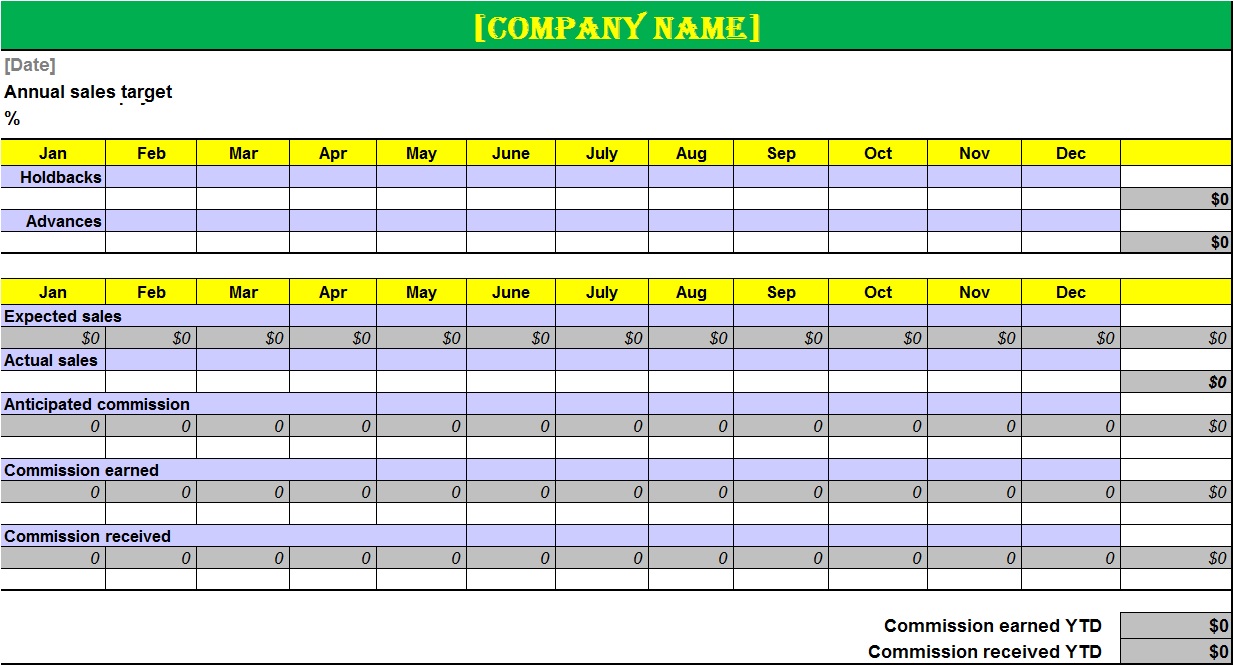
Here is the preview of Free Commission Sheet Templates In Word and Excel:
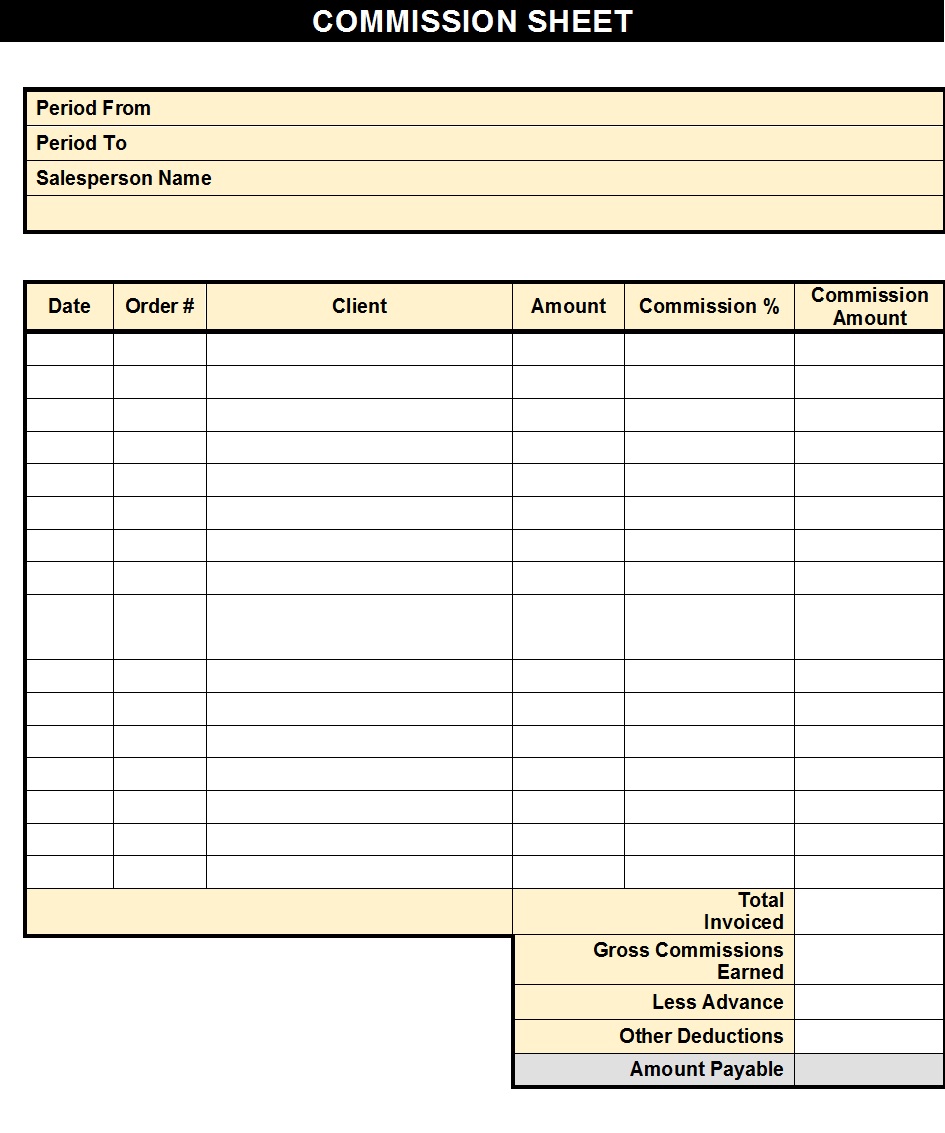
Commission Sheet Template:

How to Create a Commission Sheet Template
Creating a commission sheet is straightforward when following a structured approach. See also Log Sheet Template.
Step 1: Define Commission Rules
Determine:
- Commission percentages
- Sales targets
- Bonus structures
- Deduction policies
Step 2: Create Spreadsheet Columns
Include columns such as:
| Date | Employee | Customer | Product | Sales Amount | Commission Rate | Commission Earned |
|---|
Step 3: Add Calculation Formulas
Use spreadsheet formulas to automate calculations.
Example Formula:
Commission Earned = Sales Amount × Commission Rate
Step 4: Include Summary Sections
Create monthly and annual summaries for easy reporting and analysis.
Step 5: Test the Template
Verify all calculations and ensure formulas work correctly before implementation.
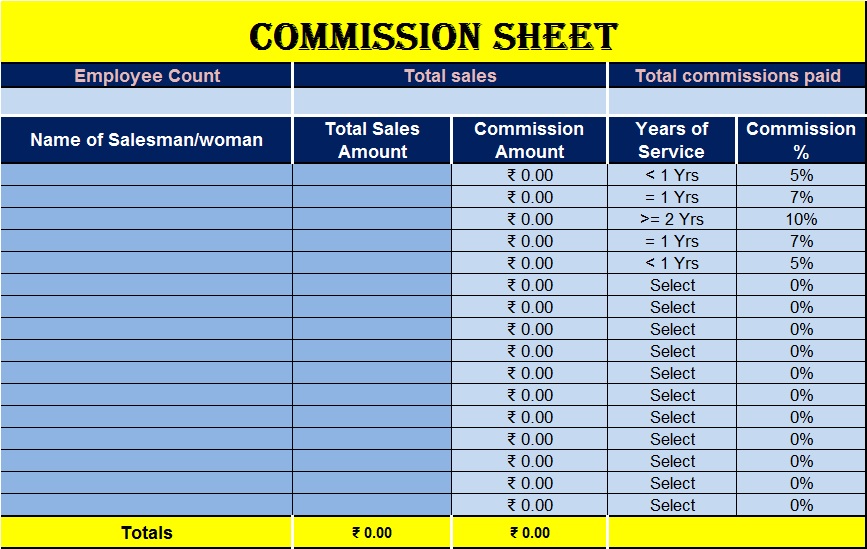
Word Format Commission Sheet Template:
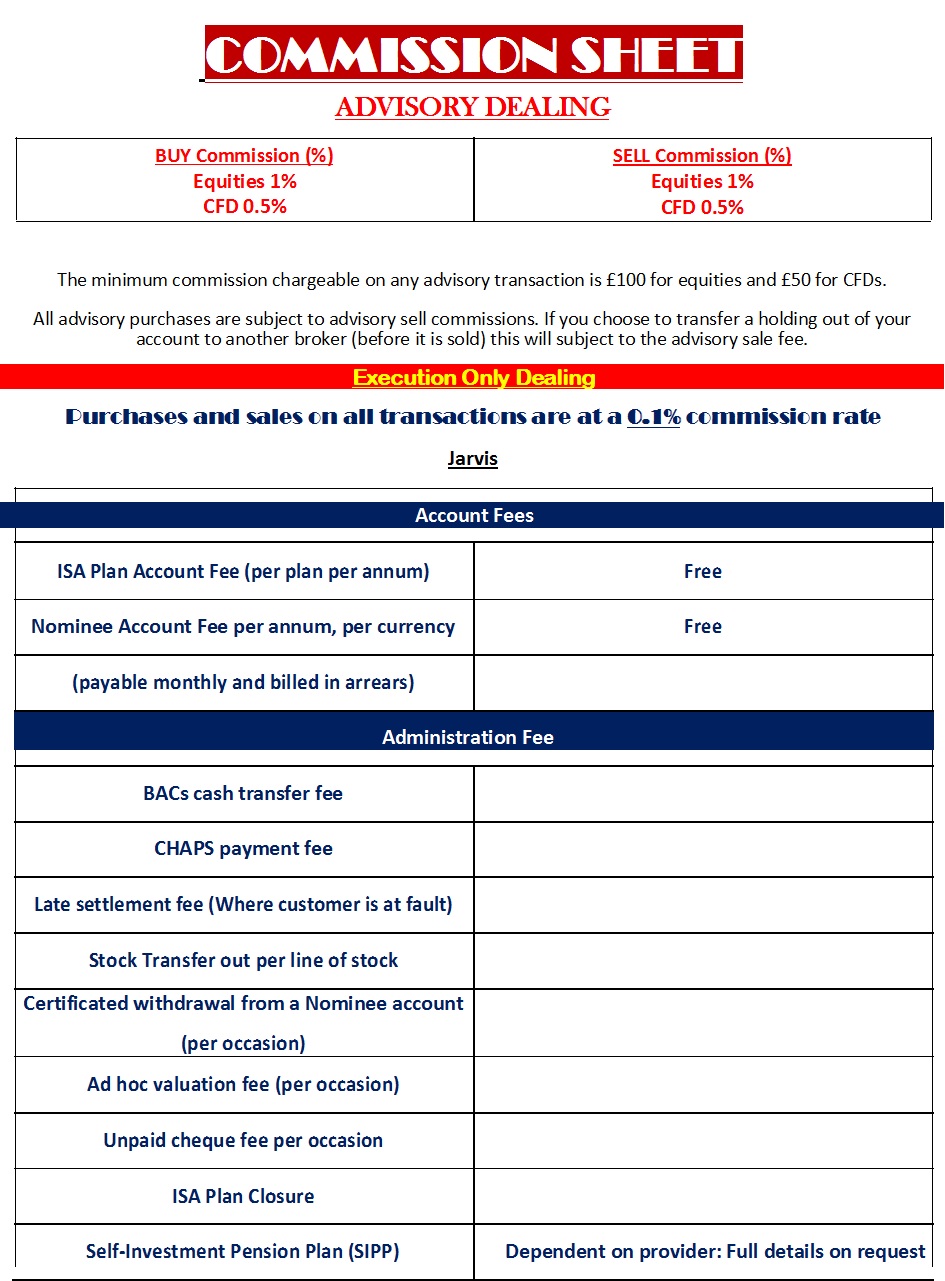
Editable Commission Sheet Template:
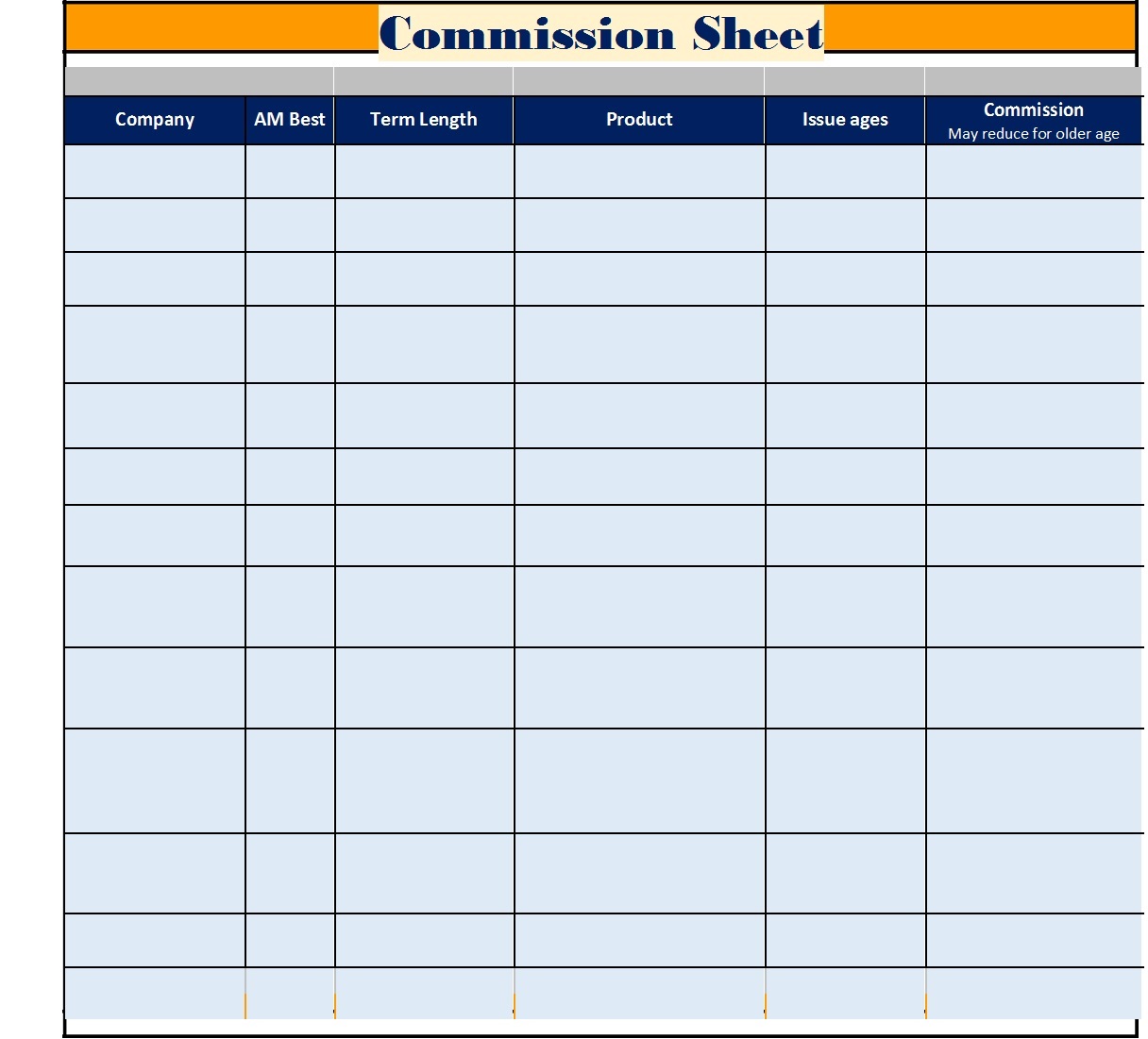
Download Commission Sheet Template:
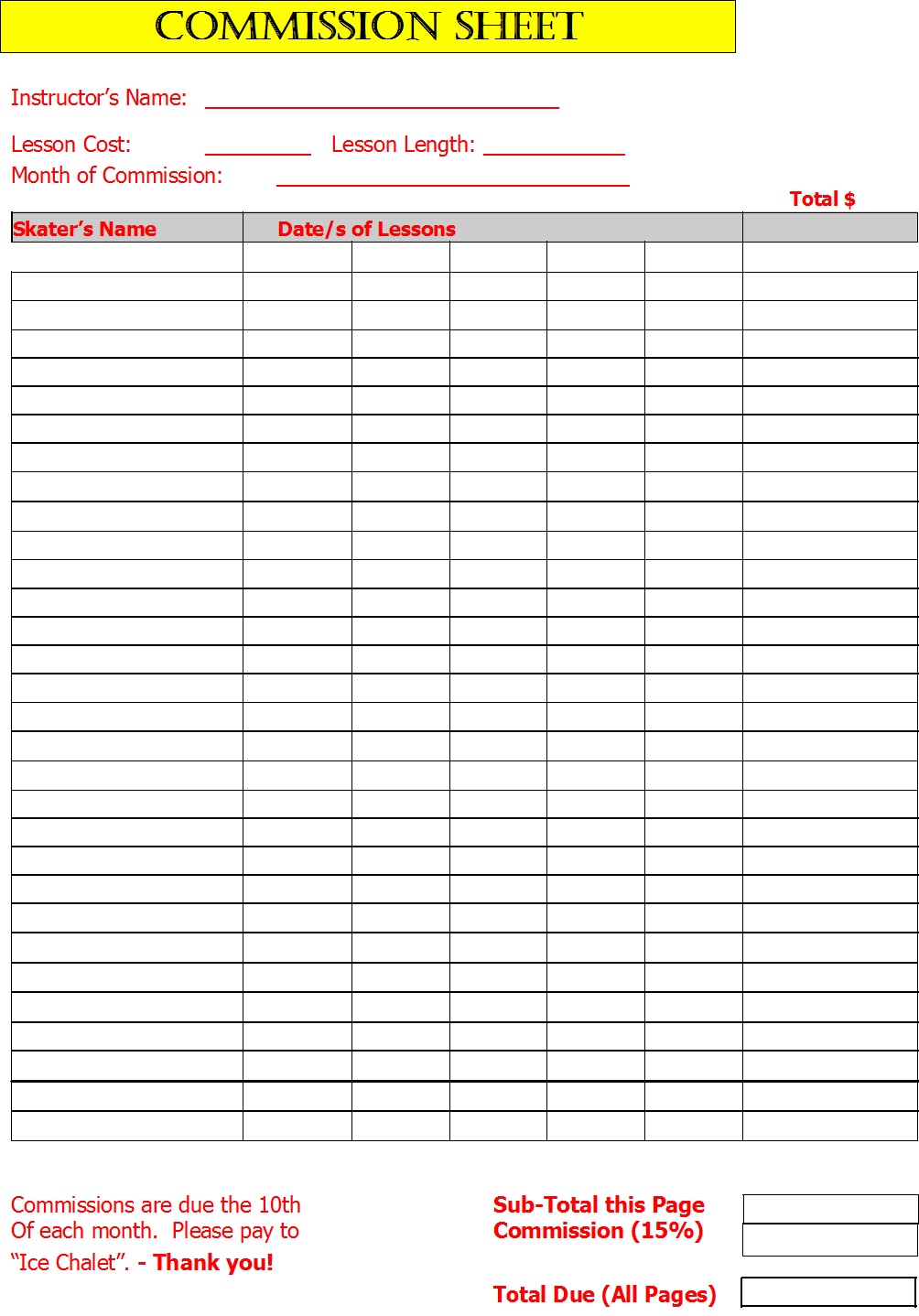
Excel Commission Sheet Template:
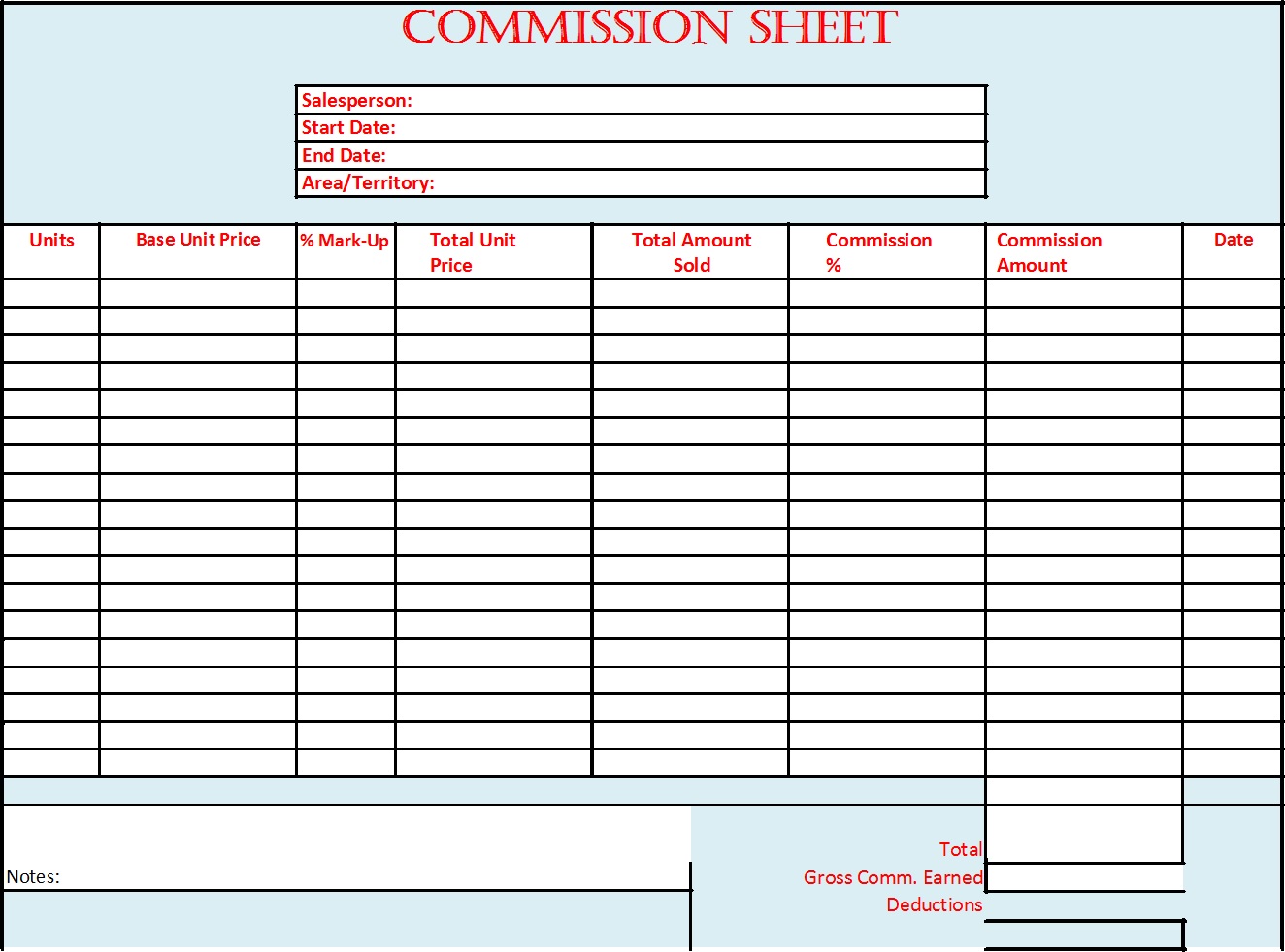
Best Commission Sheet Template:
Frequently Asked Questions (FAQs) About Commission Sheet Templates
1. What is a commission sheet template?
A commission sheet template is a document or spreadsheet used to track sales transactions and calculate commissions earned by employees, sales representatives, or agents based on predefined commission rates.
2. Why is a commission sheet important?
A commission sheet helps businesses accurately calculate commissions, track sales performance, maintain transparency, and reduce payroll errors. It also provides a clear record of earnings for both employers and employees.
3. What information should be included in a commission sheet template?
A commission sheet typically includes employee details, sales dates, customer information, product or service sold, sales amount, commission rate, commission earned, bonuses, deductions, and total payout.
4. How do you calculate commissions using a commission sheet?
The basic formula is:
Commission = Sales Amount × Commission Rate
For example, if a salesperson generates $5,000 in sales and earns a 10% commission, the commission would be $500.
5. Can commission sheet templates be customized?
Yes. Businesses can customize commission sheet templates according to their commission structure, sales goals, bonus programs, reporting requirements, and employee compensation policies.
6. What are the different types of commission structures?
Common commission structures include straight commission, salary plus commission, tiered commission, revenue-based commission, and profit-based commission. Each structure can be reflected in a commission sheet template.
7. Is Microsoft Excel suitable for creating a commission sheet?
Yes. Microsoft Excel is one of the most popular tools for creating commission sheets because it supports formulas, automated calculations, reporting features, and easy customization.
8. How often should commission sheets be updated?
Commission sheets should be updated regularly, preferably daily or weekly, to ensure accurate sales records and timely commission payments.
9. How can businesses reduce commission calculation errors?
Businesses can reduce errors by using automated formulas, reviewing sales records regularly, establishing clear commission policies, and performing routine audits of commission data.
10. What are the benefits of using a digital commission sheet system?
Digital commission management systems offer automated calculations, real-time tracking, cloud storage, reporting dashboards, improved accuracy, and integration with customer relationship